
Once you're logged in, you can only contact the other party (Buyer or Seller) directly through the platform using the available messaging or inquiry features on a Listing, or after an Offer/RFP has been launched.
On almost every page, after engaging through an Offer, you will see a chat window in the bottom right of the page. You can send messages to the other party there.
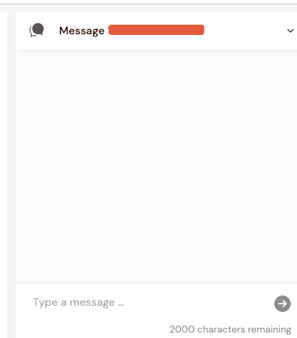
Or to review all your chats, go to your “Messaging Center” found in the main left menu.
If neither party is on the platform at the time, a new chat message is created, and an email notification will be sent.
NB After an Offer/RFP has started, you should not attempt to contact the other party outside of Vuulr. Keeping communication on platform means:
-
all your communication history is kept in one place, alongside your negotiation, to keep things nice and organized, and
-
we can support you if something goes wrong
Any circumvention of the platform is a breach of our Platform User Agreement and could result in your account being put under review, or disabled.