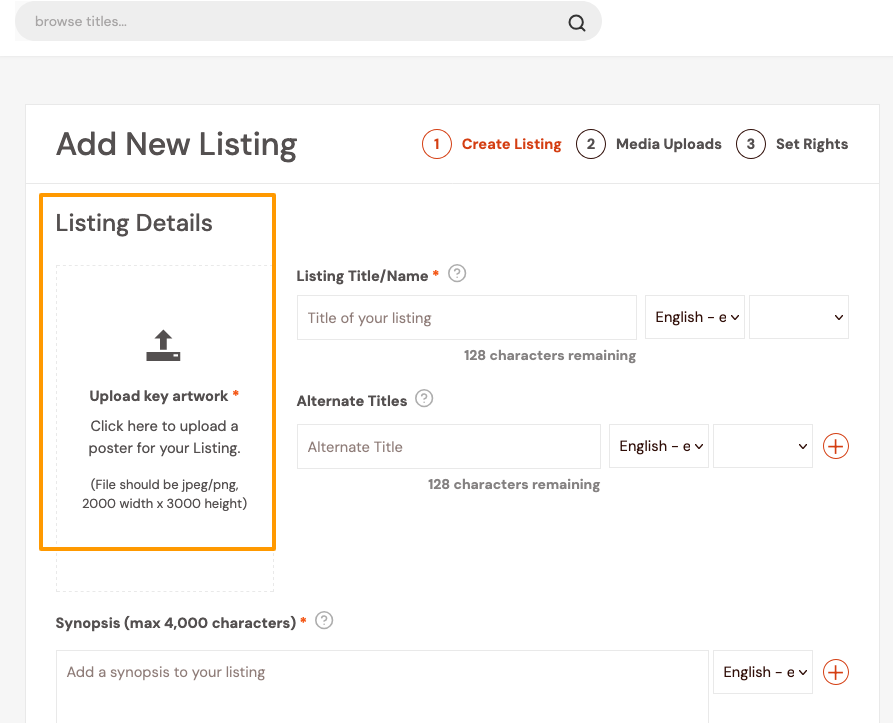
You cannot create a Listing without a poster. It’s arguably the most important part of building a Listing as it’s the Buyer’s first touchpoint, so it should be your best art-directed image.
On the Create a Listing page, after clicking Add New Listing:
- Go to the Upload key artwork section on the left side of the page.
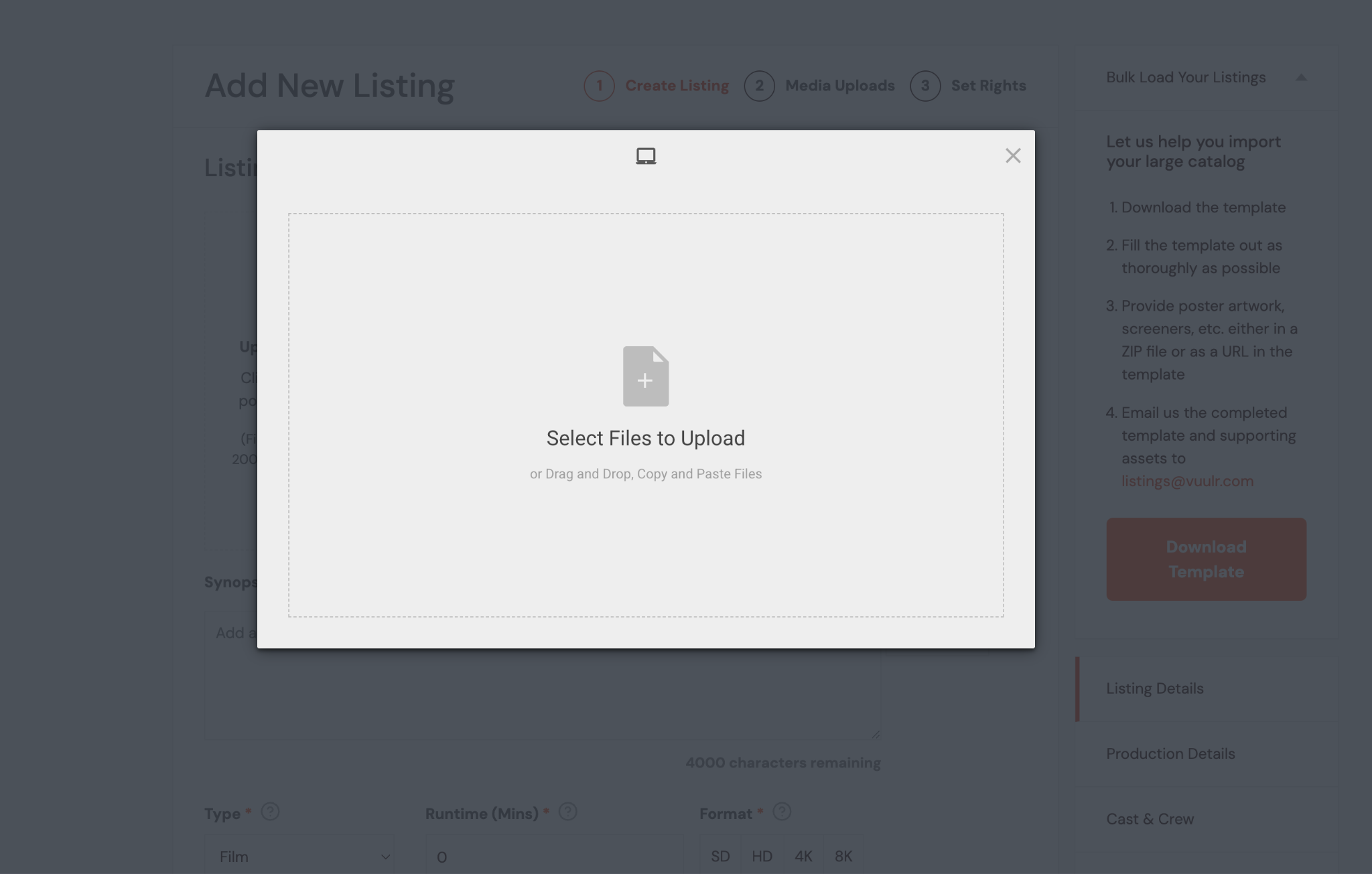
- Click to upload and select the poster file from your device.
- Make sure the poster is in portrait format and has dimensions of 2000 × 3000 pixels.
- The poster file should be in JPEG or PNG format.
- Click Save to upload the poster and apply your changes.